
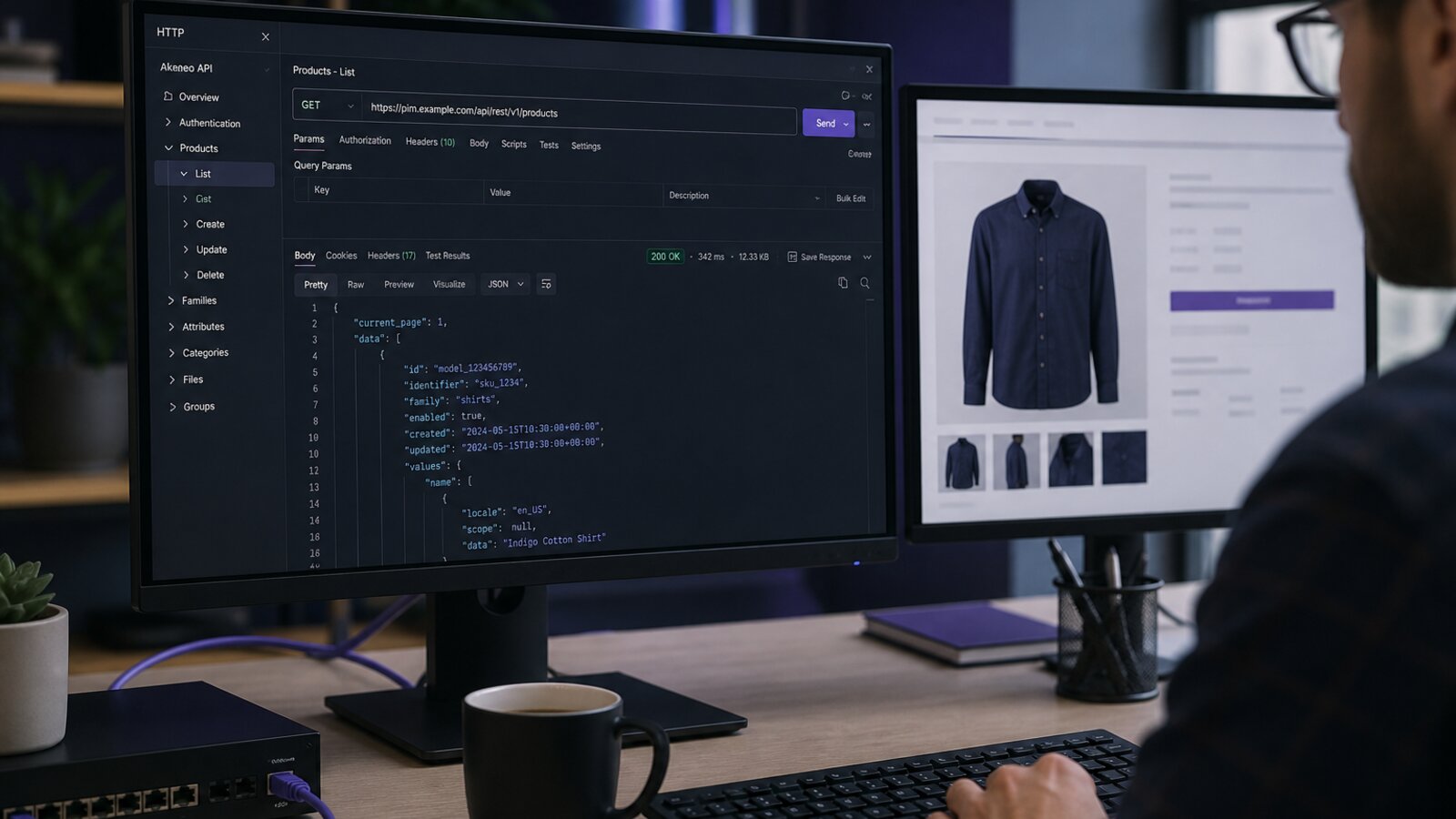

Akeneo API integration is how PIM value reaches storefronts, marketplaces, mobile apps, and internal tools. This guide pairs production connector patterns with real Akeneo REST endpoints from the official Akeneo API reference index (full detail on the REST API reference). Use the examples below as copy-paste starting points—then harden with ownership rules, retries, and monitoring.
Sync the product truth—not every field every system already owns.
Clarify ownership before you map fields
Akeneo should usually own marketing content, structured attributes, categories, associations, and product assets. ERP or commerce engines often own price, stock, and orderable status. When ownership is fuzzy, every Akeneo Magento or Shopify integration becomes a conflict machine. Write a one-page RACI for attributes, then design APIs and connectors around it.
Official Akeneo REST API map
Akeneo documents every resource at api.akeneo.com/api-reference-index.html. Prefer products-uuid over identifier routes for stable sync keys. Below are the calls Spygar uses most often in ecommerce connectors—with parameters and responses aligned to the official reference.
1) Authenticate — POST /api/oauth/v1/token
/api/oauth/v1/token
Official docs
Get an authentication token
Exchange connection credentials for a Bearer access token. No prior Bearer auth is required for this call.
Headers
Content-Type: application/json (or application/x-www-form-urlencoded)Authorization: Basic {base64(client_id:client_secret)}
Parameters
| Name | In | Type | Required | Description |
|---|---|---|---|---|
username |
body | string | Yes | PIM connection username |
password |
body | string | Yes | PIM connection password |
grant_type |
body | string | Yes | Must be password |
Example request
curl -X POST "https://YOUR_PIM_HOST/api/oauth/v1/token" \
  -H "Content-Type: application/json" \
  -H "Authorization: Basic $(echo -n 'CLIENT_ID:CLIENT_SECRET' | base64)" \
  -d '{
    "username": "your_connection_username",
    "password": "your_connection_password",
    "grant_type": "password"
  }'
Response — 200 OK
Returns an authentication token used as Authorization: Bearer on later calls.
{
  "access_token": "ZTZmYjU4ZmQxZWNmMzk1M2NlYzA5NmFhNmIzVjExMzE4NmJmODBkZGIyYTliYmQyNjk2ZDQwZThmNjdiZDQzOQ",
  "expires_in": 3600,
  "token_type": "bearer",
  "scope": null,
  "refresh_token": "M3FlODI0OTE3ODMyNjViMzRiOWE5ODMyNWViMThkNDU5YzJjNjFiZjNkZWFjMzIyYjc4YTgzZWY1MjE5ZTY5Mw"
}
Response — 400 Bad Request
Malformed JSON or invalid request framing.
{
  "code": 400,
  "message": "Invalid JSON message received"
}
Response — 422 Unprocessable Entity
Validation failed (wrong grant_type, bad credentials shape, etc.).
{
  "code": 422,
  "message": "Property \"grant_type\" expects a valid grant type. Check the expected format on the API documentation."
}
2) List products — GET /api/rest/v1/products-uuid
/api/rest/v1/products-uuid
Official docs
Get list of products (UUID)
Preferred product list endpoint. Paginated, filterable, and permission-aware. Prefer pagination_type=search_after for large catalogs.
Headers
Authorization: Bearer {access_token}Accept: application/json
Parameters
| Name | In | Type | Required | Description |
|---|---|---|---|---|
search |
query | string (JSON) | No | Filter products (see Filters docs) |
scope |
query | string | No | Return scopable values for this channel (+ non-scopable) |
locales |
query | string | No | Comma-separated locales for localizable values |
attributes |
query | string | No | Comma-separated attribute codes to return |
pagination_type |
query | string | No | page (default) or search_after |
page |
query | integer | No | Page number when pagination_type=page (default 1) |
search_after |
query | string | No | Cursor for search_after pagination (do not invent manually) |
limit |
query | integer | No | Page size (default 10) |
search_scope |
query | string | No | Default scope for multi-attribute filters |
search_locale |
query | string | No | Default locale for multi-attribute filters |
with_count |
query | boolean | No | Include items_count (can be expensive) |
with_attribute_options |
query | boolean | No | Include option labels (linked_data) |
with_quality_scores |
query | boolean | No | Include quality scores |
with_completenesses |
query | boolean | No | Include completenesses |
with_root_parent |
query | boolean | No | Include root parent model code for variants |
Example request
curl -G "https://YOUR_PIM_HOST/api/rest/v1/products-uuid" \
  -H "Authorization: Bearer ACCESS_TOKEN" \
  -H "Accept: application/json" \
  --data-urlencode 'pagination_type=search_after' \
  --data-urlencode 'limit=20' \
  --data-urlencode 'scope=ecommerce' \
  --data-urlencode 'locales=en_US,fr_FR' \
  --data-urlencode 'attributes=sku,name,description' \
  --data-urlencode 'with_completenesses=true' \
  --data-urlencode 'search={"updated":[{"operator":">","value":"2026-01-01 00:00:00"}]}'
Response — 200 OK
Paginated product collection with navigation links.
{
  "_links": {
    "self": {
      "href": "https://YOUR_PIM_HOST/api/rest/v1/products-uuid?pagination_type=search_after&limit=20"
    },
    "first": {
      "href": "https://YOUR_PIM_HOST/api/rest/v1/products-uuid?pagination_type=search_after&limit=20"
    },
    "next": {
      "href": "https://YOUR_PIM_HOST/api/rest/v1/products-uuid?pagination_type=search_after&search_after=CURSOR&limit=20"
    }
  },
  "_embedded": {
    "items": [
      {
        "_links": {
          "self": {
            "href": "https://YOUR_PIM_HOST/api/rest/v1/products-uuid/25566245-55c3-42ce-86d9-8610ac459fa8"
          }
        },
        "uuid": "25566245-55c3-42ce-86d9-8610ac459fa8",
        "enabled": true,
        "family": "tshirt",
        "categories": ["summer_collection"],
        "groups": [],
        "parent": null,
        "values": {
          "sku": [{"data": "top", "locale": null, "scope": null}],
          "name": [
            {"data": "Top", "locale": "en_US", "scope": null},
            {"data": "Débardeur", "locale": "fr_FR", "scope": null}
          ]
        },
        "created": "2026-01-05T10:00:00+00:00",
        "updated": "2026-03-01T12:30:00+00:00",
        "completenesses": [
          {"scope": "ecommerce", "locale": "en_US", "data": 100}
        ]
      }
    ]
  }
}
Response — 401 Unauthorized
Missing/expired token or invalid credentials.
{
  "code": 401,
  "message": "Authentication is required"
}
Response — 422 Unprocessable Entity
Invalid search JSON or unsupported query combination.
{
  "code": 422,
  "message": "Property \"search\" expects a valid search. Check the expected format on the API documentation."
}
3) Get one product — GET /api/rest/v1/products-uuid/{uuid}
/api/rest/v1/products-uuid/{uuid}
Official docs
Get a product (UUID)
Fetch one product by immutable UUID. Use query flags to include completeness, quality scores, or root parent.
Headers
Authorization: Bearer {access_token}Accept: application/json
Parameters
| Name | In | Type | Required | Description |
|---|---|---|---|---|
uuid |
path | string | Yes | Product UUID |
scope |
query | string | No | Filter scopable values |
locales |
query | string | No | Filter localizable values |
attributes |
query | string | No | Limit returned attributes |
with_attribute_options |
query | boolean | No | Include option labels |
with_quality_scores |
query | boolean | No | Include quality scores |
with_completenesses |
query | boolean | No | Include completenesses |
with_root_parent |
query | boolean | No | Include root parent model code |
Example request
curl -G "https://YOUR_PIM_HOST/api/rest/v1/products-uuid/25566245-55c3-42ce-86d9-8610ac459fa8" \
  -H "Authorization: Bearer ACCESS_TOKEN" \
  -H "Accept: application/json" \
  --data-urlencode 'scope=ecommerce' \
  --data-urlencode 'locales=en_US' \
  --data-urlencode 'with_completenesses=true'
Response — 200 OK
Product standard format.
{
  "uuid": "25566245-55c3-42ce-86d9-8610ac459fa8",
  "enabled": true,
  "family": "tshirt",
  "categories": ["summer_collection"],
  "groups": [],
  "parent": null,
  "values": {
    "sku": [{"data": "top", "locale": null, "scope": null, "attribute_type": "pim_catalog_identifier"}],
    "name": [
      {"data": "Top", "locale": "en_US", "scope": null, "attribute_type": "pim_catalog_text"}
    ],
    "description": [
      {"data": "Summer top", "locale": "en_US", "scope": "ecommerce", "attribute_type": "pim_catalog_textarea"}
    ]
  },
  "created": "2026-01-05T10:00:00+00:00",
  "updated": "2026-03-01T12:30:00+00:00",
  "completenesses": [
    {"scope": "ecommerce", "locale": "en_US", "data": 100}
  ]
}
Response — 404 Not Found
UUID does not exist (or not visible under permissions).
{
  "code": 404,
  "message": "Product \"25566245-55c3-42ce-86d9-8610ac459fa8\" does not exist."
}
4) Create a product — POST /api/rest/v1/products-uuid
/api/rest/v1/products-uuid
Official docs
Create a new product (UUID)
Create a product. If uuid is omitted, Akeneo generates one. Returns 201 with Location header.
Headers
Authorization: Bearer {access_token}Content-Type: application/json
Parameters
| Name | In | Type | Required | Description |
|---|---|---|---|---|
create_missing_options |
query | string | No | When present, auto-create missing simple/multi-select options if attribute allows |
uuid |
body | string | No | Optional product UUID |
enabled |
body | boolean | No | Default true |
family |
body | string|null | No | Family code |
categories |
body | array[string] | No | Category codes |
groups |
body | array[string] | No | Group codes |
parent |
body | string|null | No | Parent product model for variants |
values |
body | object | No | Attribute values (locale/scope aware) |
associations |
body | object | No | Product/model/group associations |
quantified_associations |
body | object | No | Quantified associations with quantities |
Example request
curl -X POST "https://YOUR_PIM_HOST/api/rest/v1/products-uuid" \
  -H "Authorization: Bearer ACCESS_TOKEN" \
  -H "Content-Type: application/json" \
  -d '{
    "uuid": "25566245-55c3-42ce-86d9-8610ac459fa8",
    "enabled": true,
    "family": "tshirt",
    "categories": ["summer_collection"],
    "groups": [],
    "parent": null,
    "values": {
      "sku": [{"data": "top", "locale": null, "scope": null}],
      "name": [
        {"data": "Top", "locale": "en_US", "scope": null},
        {"data": "Débardeur", "locale": "fr_FR", "scope": null}
      ],
      "description": [
        {"data": "Summer top", "locale": "en_US", "scope": "ecommerce"}
      ],
      "color": [{"data": "black", "locale": null, "scope": null}],
      "size": [{"data": "m", "locale": null, "scope": null}]
    }
  }'
Response — 201 Created
Product created. Body is empty; Location header points to the new resource.
Headers:
Location: /api/rest/v1/products-uuid/25566245-55c3-42ce-86d9-8610ac459fa8

Body: (empty)
Response — 422 Unprocessable Entity
Validation failed (unknown family, invalid attribute value, etc.).
{
  "code": 422,
  "message": "Validation failed.",
  "errors": [
    {
      "property": "values",
      "message": "The color attribute requires an option that exists in the PIM."
    }
  ]
}
5) Upsert a product — PATCH /api/rest/v1/products-uuid/{uuid}
/api/rest/v1/products-uuid/{uuid}
Official docs
Update/create a product (UUID)
Upsert by UUID: updates if present, creates if missing. Supports add_categories / remove_categories. EE may create a draft when rights are limited.
Headers
Authorization: Bearer {access_token}Content-Type: application/json
Parameters
| Name | In | Type | Required | Description |
|---|---|---|---|---|
uuid |
path | string | Yes | Product UUID |
create_missing_options |
query | string | No | Auto-create missing select options when allowed |
update_parent_values |
query | boolean | No | When true, allow updating parent model values while patching a variant |
enabled |
body | boolean | No | Enable/disable product |
family |
body | string|null | No | Family code |
categories |
body | array[string] | No | Replace category set |
add_categories |
body | array[string] | No | Add categories (preserve existing) |
remove_categories |
body | array[string] | No | Remove categories (preserve others) |
parent |
body | string|null | No | Parent product model |
values |
body | object | No | Partial attribute values to merge |
Example request
curl -X PATCH "https://YOUR_PIM_HOST/api/rest/v1/products-uuid/25566245-55c3-42ce-86d9-8610ac459fa8" \
  -H "Authorization: Bearer ACCESS_TOKEN" \
  -H "Content-Type: application/json" \
  -d '{
    "enabled": true,
    "add_categories": ["winter_collection"],
    "values": {
      "name": [
        {"data": "Top — refreshed", "locale": "en_US", "scope": null}
      ],
      "description": [
        {"data": "Updated summer top copy", "locale": "en_US", "scope": "ecommerce"}
      ]
    }
  }'
Response — 204 No Content
Product updated successfully (empty body).
Body: (empty)Response — 201 Created
No product existed for UUID; product was created. Location header returned.
Headers:
Location: /api/rest/v1/products-uuid/25566245-55c3-42ce-86d9-8610ac459fa8

Body: (empty)
Response — 422 Unprocessable Entity
Validation failed on patched payload.
{
  "code": 422,
  "message": "Validation failed.",
  "errors": [
    {
      "property": "values",
      "message": "The name attribute requires a value in the locale en_US."
    }
  ]
}
6) Upload media — POST /api/rest/v1/media-files
/api/rest/v1/media-files
Official docs
Create a new product media file
Upload a binary and associate it to a product (or product model) attribute value via multipart form-data.
Headers
Authorization: Bearer {access_token}Content-Type: multipart/form-data (with boundary)
Parameters
| Name | In | Type | Required | Description |
|---|---|---|---|---|
product |
form | string (JSON) | No | {"identifier":"...","attribute":"...","scope":"...","locale":"..."} — use product OR product_model, not both |
product_model |
form | string (JSON) | No | Same shape targeting a product model |
file |
form | binary | Yes | Media binary |
Example request
curl -X POST "https://YOUR_PIM_HOST/api/rest/v1/media-files" \
  -H "Authorization: Bearer ACCESS_TOKEN" \
  -F 'product={"identifier":"top","attribute":"image","scope":null,"locale":null}' \
  -F "file=@./hero-top.jpg;type=image/jpeg"
Response — 201 Created
Media created and linked. Location header contains the media resource URI.
Headers:
Location: /api/rest/v1/media-files/f/i/l/e/hash_hero-top.jpg

Body: (empty)
Response — 422 Unprocessable Entity
Invalid product JSON, unknown attribute, or file validation failure.
{
  "code": 422,
  "message": "Validation failed.",
  "errors": [
    {
      "property": "product",
      "message": "The product does not exist."
    }
  ]
}
REST fundamentals that matter in production
Authenticate securely, scope credentials to least privilege, and never embed secrets in frontend apps. Prefer UUID endpoints and search_after pagination for catalogs beyond a few thousand SKUs. Cache families/attributes/categories so product upserts do not hammer lookup endpoints on every SKU. Respect rate limits with backoff.
- Upsert products idempotently with PATCH .../products-uuid/{uuid}
- Separate structure sync (models/families) from content sync (values)
- Queue outbound pushes; do not block enrichment UX on remote APIs
- Log correlation IDs across Akeneo jobs and downstream connectors
Events, webhooks, and near-real-time updates
Where available, event-driven patterns reduce polling lag for high-priority catalog changes—new launches, price-adjacent content updates, or compliance field edits. Pair events with a reconciliation job that periodically re-lists products via GET /products-uuid?search={"updated":[...]} so missed messages never silently diverge systems forever.
Ecommerce connector patterns
Magento, Adobe Commerce, Shopify, WooCommerce, and custom headless storefronts each need different product shapes. Configurable/variant mapping is the hardest part. Pull from Akeneo with scope + locales + with_completenesses=true, transform, then push. Include completeness gates so incomplete products never publish to live channels. For storefront-specific patterns, see our Magento & Shopify connectors guide.
Error handling and supportability
Integrators need actionable errors: which UUID failed, which attribute, what constraint was violated. Map Akeneo 422 payloads to catalog tasks. Dead-letter queues should be reviewable. The goal is fewer “please check logs” tickets and more self-serve fixes by catalog teams.
- Classify errors: auth (401), permissions (403), validation (422), remote outage (5xx)
- Retry safely; never blindly replay non-idempotent side effects
- Keep a sample payload library for each channel contract
- Add synthetic canary SKUs to detect silent sync freezes
Security and compliance
Rotate API credentials, restrict IP allowlists when possible, audit who can publish, and avoid sending PII through product APIs. For multi-brand or multi-tenant setups, enforce authorization boundaries so one brand cannot read another’s catalog via a shared integration user.
How Spygar builds Akeneo connectors
We design Akeneo API integrations as durable products: contracts, tests, monitoring, and runbooks—not one-off scripts. Browse the full resource list on the official API reference index, then talk to us about Magento/Shopify/ERP wiring on our Akeneo integration services page.